Replace any car photo background.Your own photos or ready-made presets.
Change car photo backgrounds with your own images, or choose a ready-made one — and process several photos at once for your dealership.
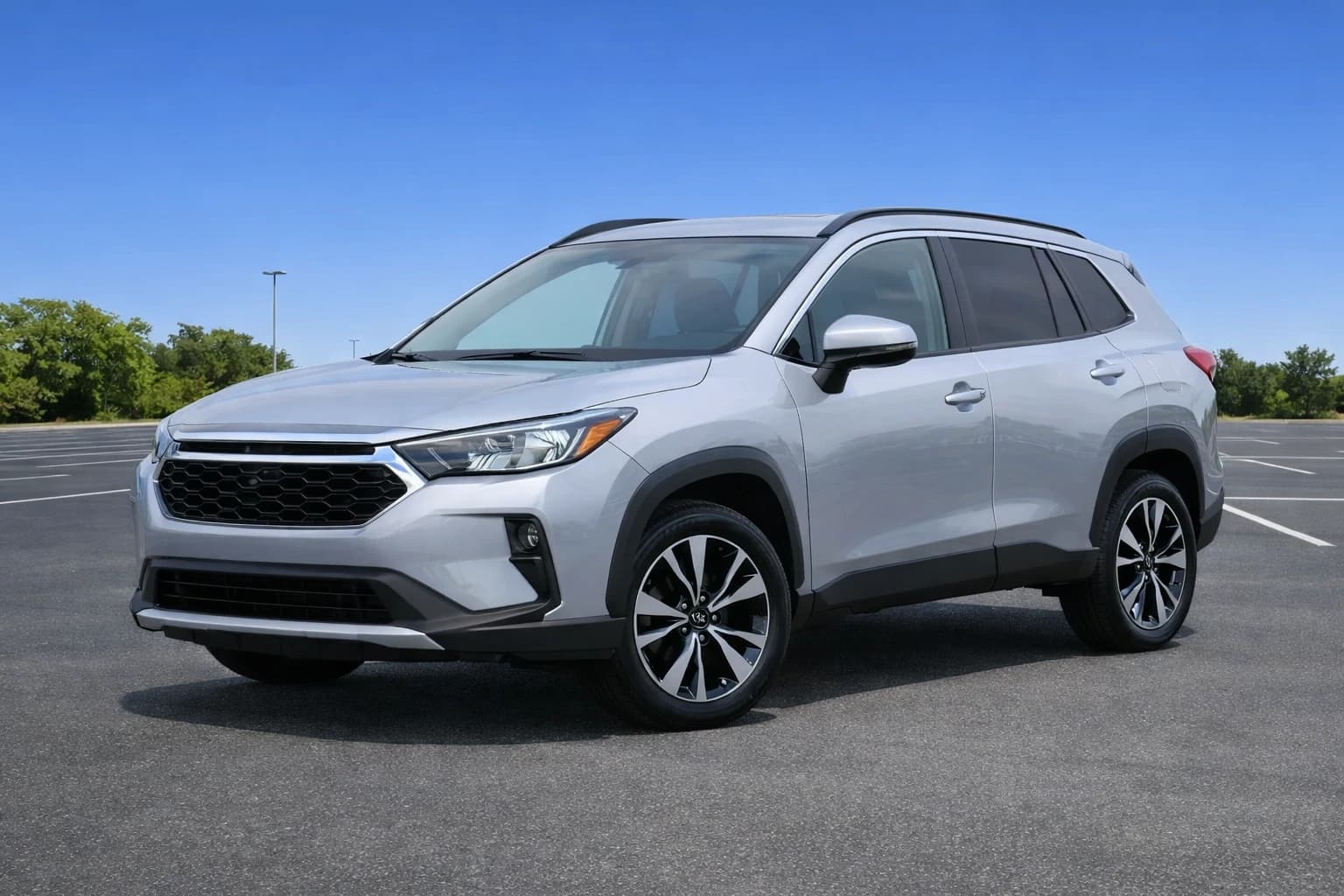
Empty car park
Feature fromMySuperDealer
Your own dealership platform
The Background Tool comes with your MySuperDealer dealership platform — a website for your dealership, QR codes, direct leads, subscription alerts, and analytics, all in one place.
The same photo. Any background you want.
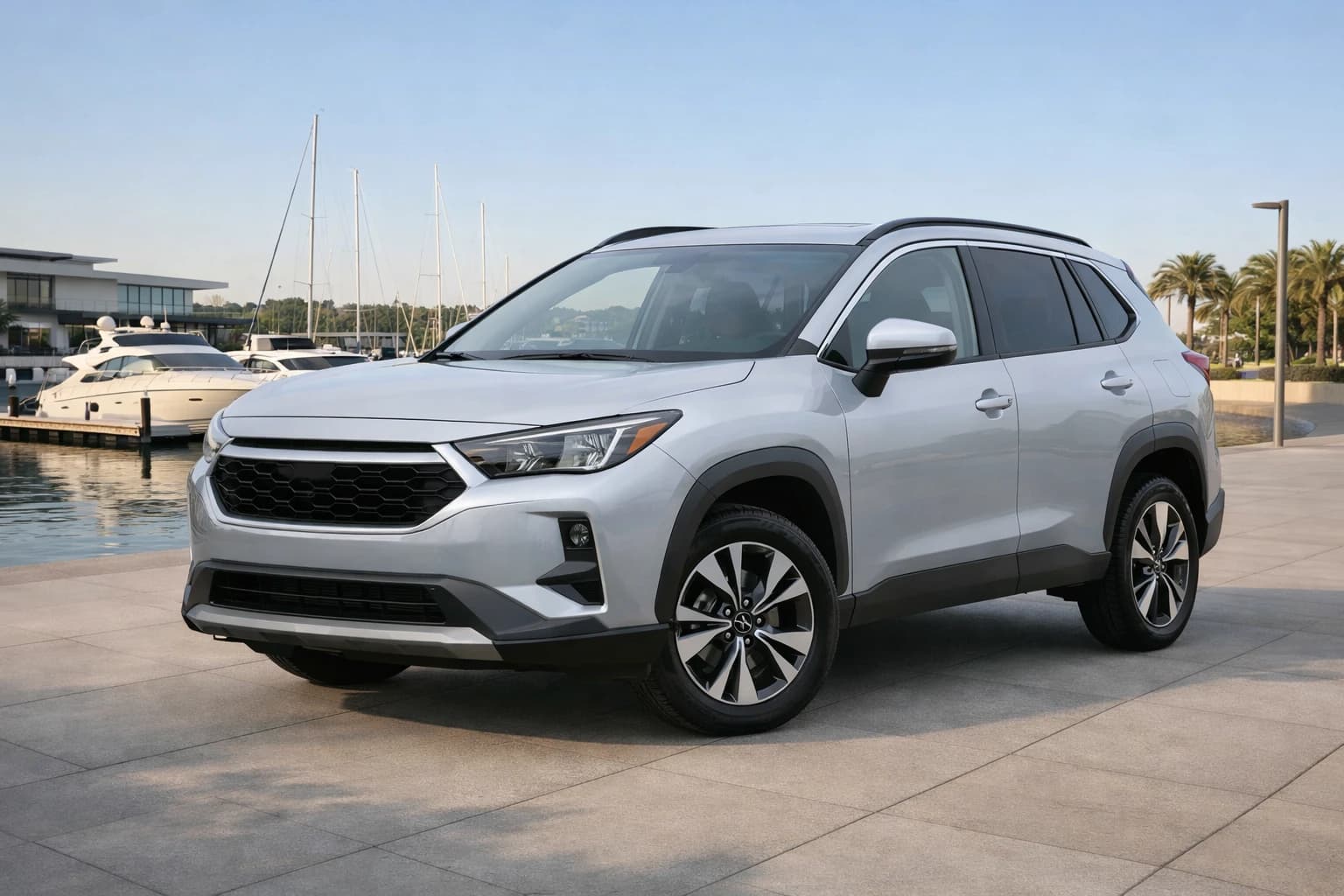
Switch scenes to see the vehicle background replaced — with a ready-made preset or one of your own photos. Same workflow inside MySuperDealer.
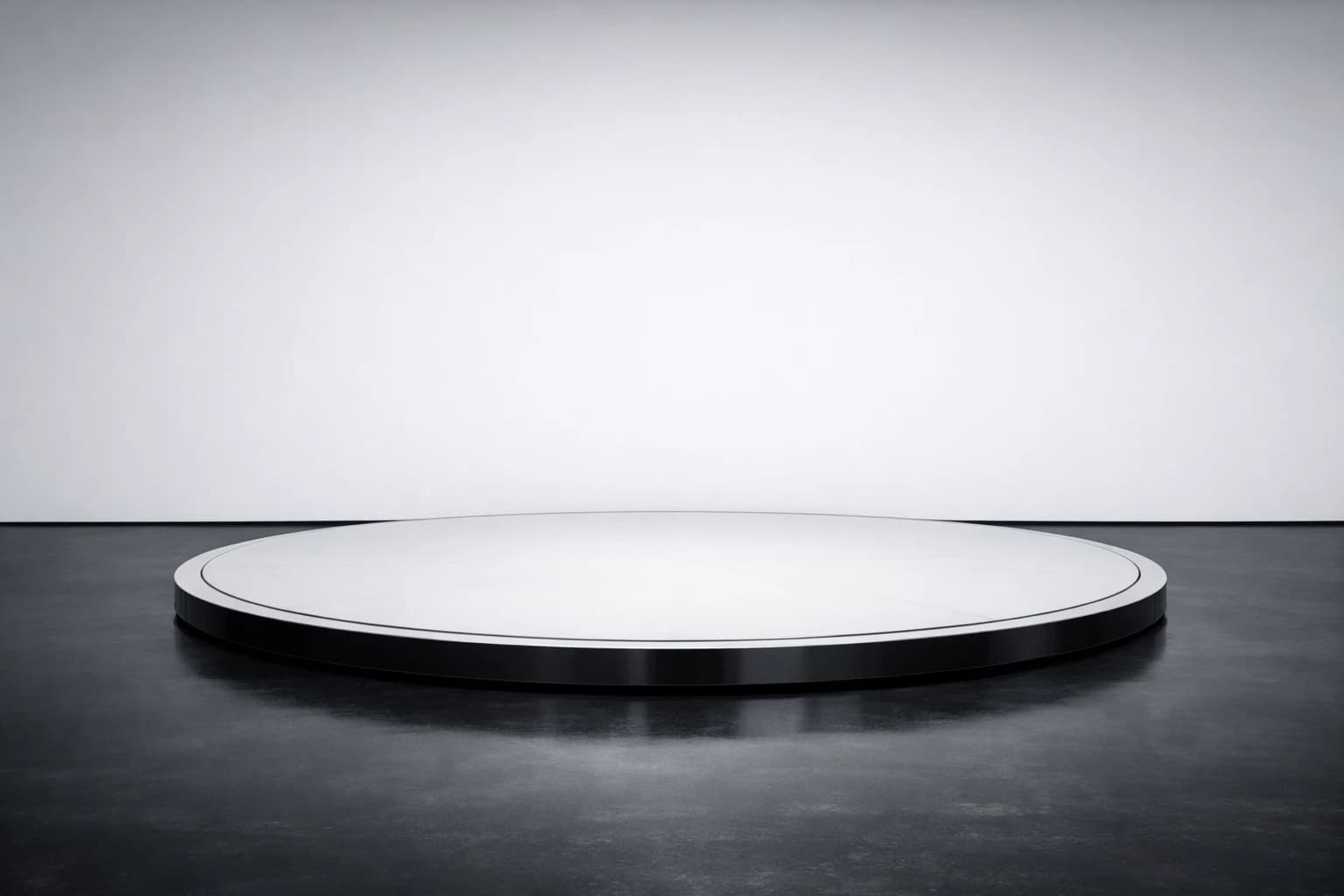
Professional studio
Use a studio preset — or upload one of your own photos as the background.
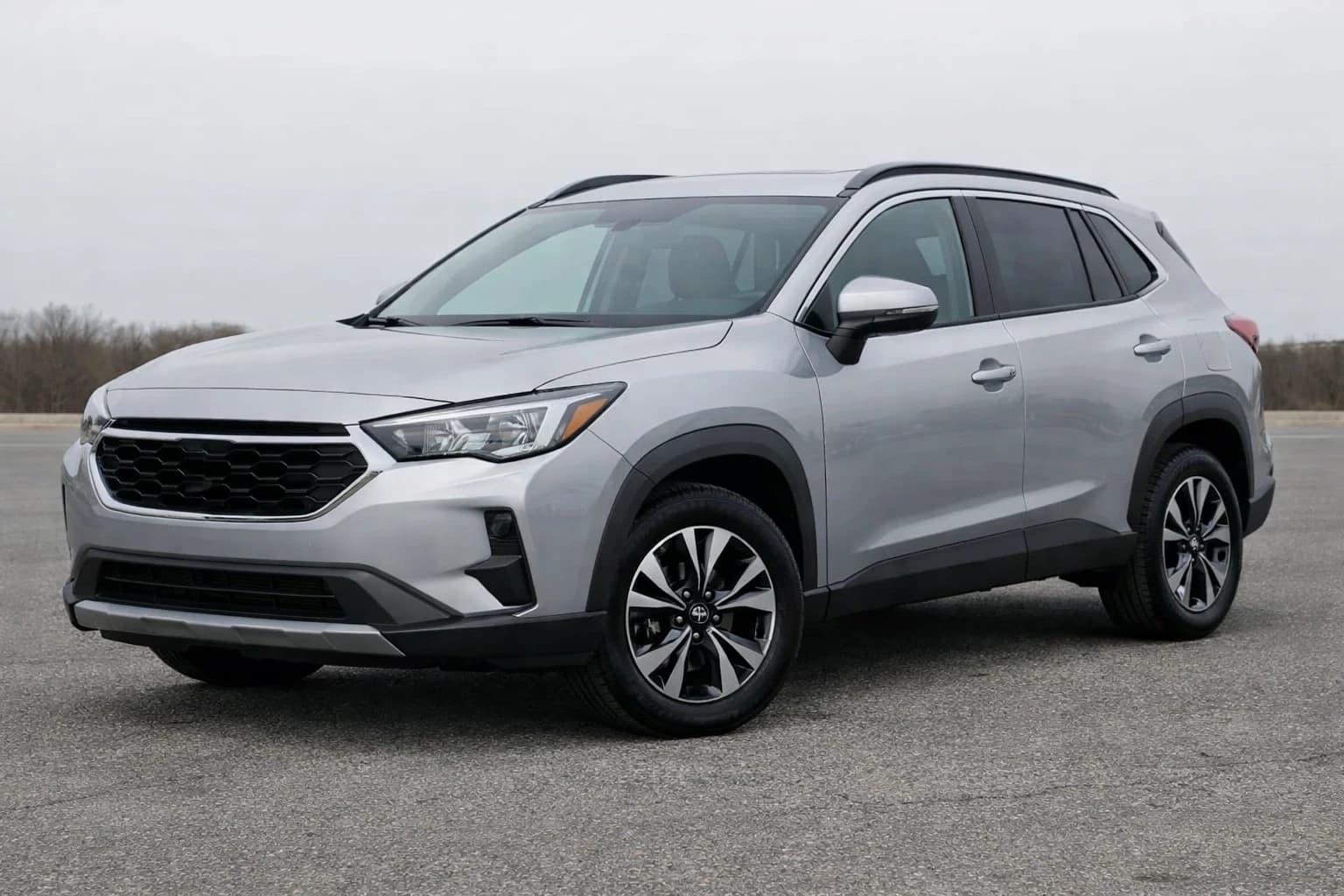
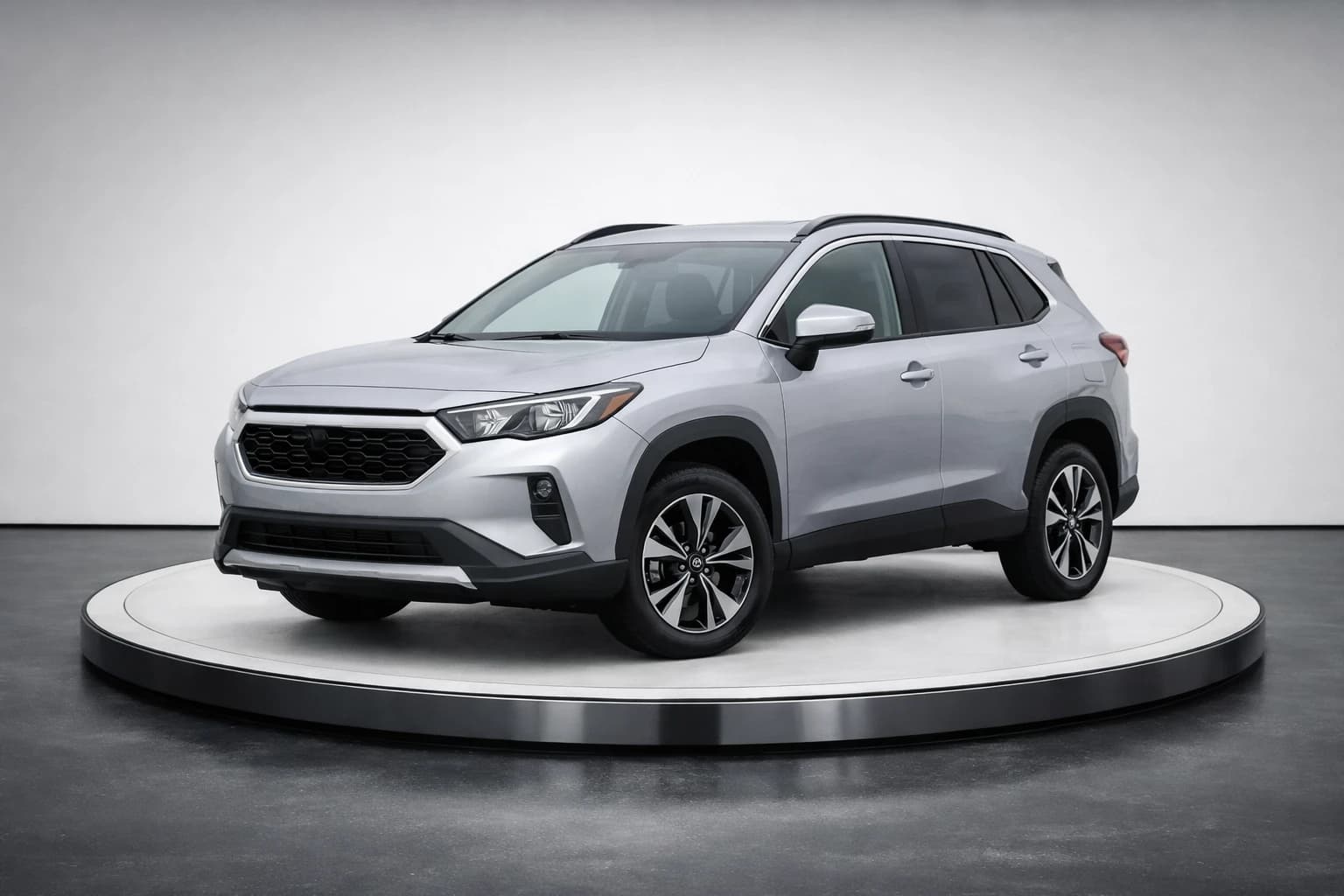
Examples use the same source car photo with three different backgrounds you can change anytime.
Why dealers choose flexible background replacement
Your own photos or ready-made backgrounds — inside the platform you already use to sell.
Use your own photos as backgrounds
Upload any image you like — a photo from your dealership, a place you like, or something with your branding. You are not stuck with white studio only.
Ready-made presets when you need speed
Pick one of our ready-made backgrounds and reuse it across your cars for a consistent look.
Several photos at once
Replace backgrounds across multiple cars in minutes — no photo-day bottleneck for listings and ads.
A consistent look for your catalog
Put every car on the same background — your photo or a preset — so your website and listings feel like one brand.
Three steps to swap any car background
Use your own photos or ready-made backgrounds — the same simple flow dealers use inside MySuperDealer.
- 1
Choose or upload a background
Pick a ready-made background, or upload one of your own photos.
- 2
Upload car photos
Add one or several simple photos of your cars — no special camera or cleared lot required.
- 3
Download the result
Get realistic images ready for your website, listings, and social posts.
Background replacement FAQ
Common questions about replacing car photo backgrounds with your own images or ready-made presets.
Can I use my own photos as the background — not only white studio?
Yes. With MySuperDealer’s AI Background Tool you can change car photo backgrounds using your own images, or choose a ready-made preset — and process several photos at once for your website and listings.
How is this different from a car background remover?
Removers usually leave a transparent or plain white cutout. MySuperDealer puts the car onto a background you choose — your own photo or a preset — so every vehicle matches how you want your dealership to look.
Can I change backgrounds on several photos at once?
Yes. Upload multiple car photos, apply the same background (yours or a preset), and download listing-ready images without rearranging the lot or booking a studio day.
Do I have to use only the ready-made presets?
No. Use presets when you want to go fast, or upload your own photos whenever you want a background that feels like your dealership.
Ready to replace vehicle backgrounds your way?
Create your MySuperDealer account and start changing car photo backgrounds with your own photos or ready-made presets.
Included in your MySuperDealer platform. See everything you get